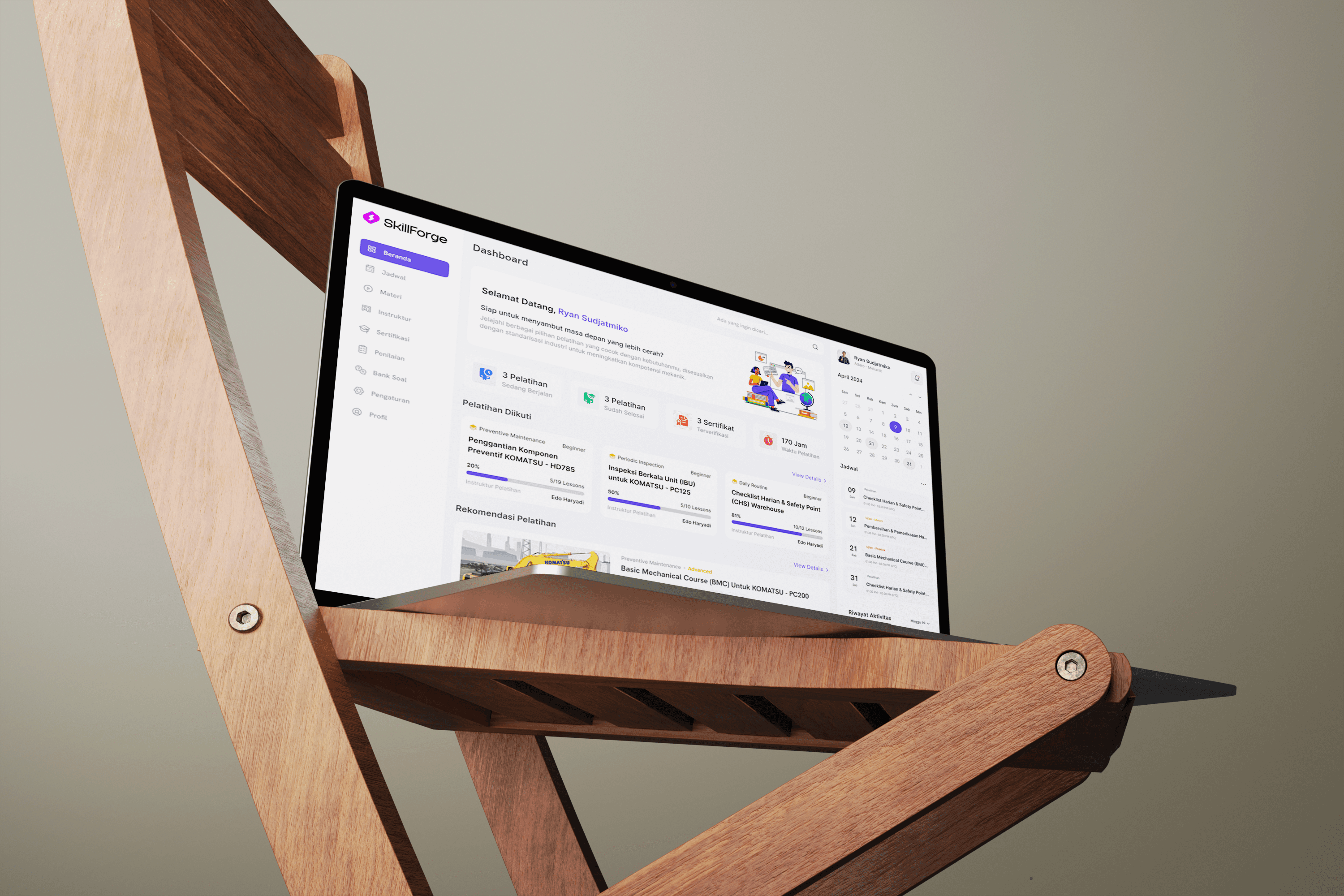
Designing SkillForge wasn’t just about making screens look good, it was about solving real problems mechanics face when learning and getting certified. Here’s how the process went:
Define Problems
Lock the goals and problems clearly.
Do Research
Gather user insights and pain points.
Start to Design
Turn findings into flows and screens.
Validation!
Test, tweak, and refine until it fits.
User Interview & Issue Grouping
Ahmad - Organic Mechanic
Budi - Organic Mechanic
Rini - Instructor
Dedi - Site Adaro SPV
Details Process
Interview with Stakeholder
Key Insight
Certification Must Align with HR IDP Structure
Supervisors Need Easier Tracking Tools
Content Library Must Be Modular for Future Expansion
Platform
Course Type
Role
Based Course
Exam Feature
Question Bank
Grading Method

Assigned via IDP & by supervisor
MCQ & Essay
Fully custom bank per course
Auto-grade & manual review

Assigned & self-picked
All type, incl. essay
Advanced quiz bank
Auto-grade & manual review

Manual & template based
Basic quiz
Available
Auto-grade & manual review

Assigned by admin
Basic quiz
Available
Auto-grade only

Self-picked
Quiz
No bank feature
Auto-grade only

Self-picked
No formal exam
No bank feature
Project based

Self or intitution-assigned
Quiz + peer review
No bank feature
Auto-grade & peer review
Who is The User?




After understanding the problem deeply, we moved into the solution space. This is the phase where ideas started to take shape through brainstorming and mapping. Every pain point we found now had the chance to be solved.
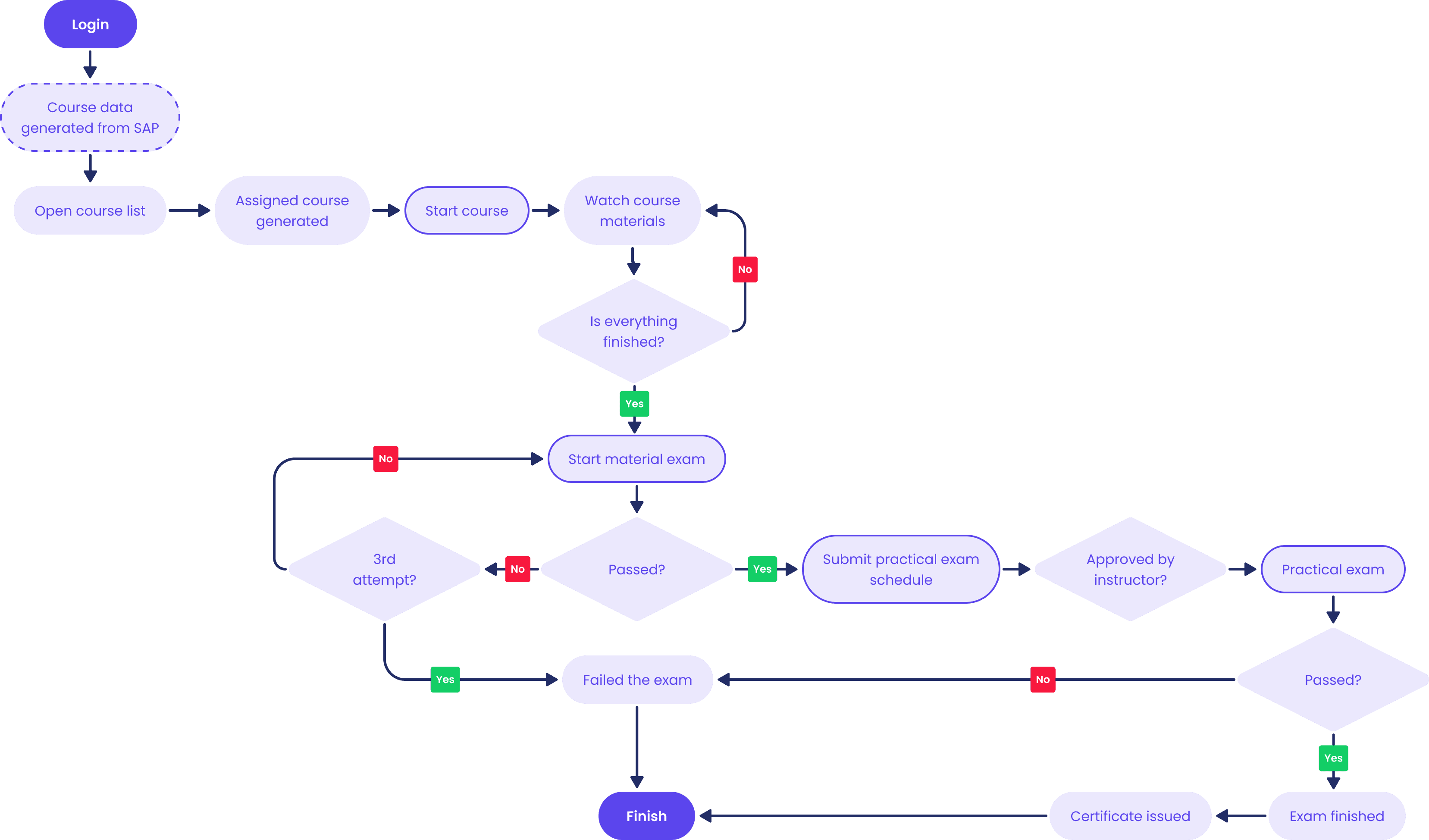
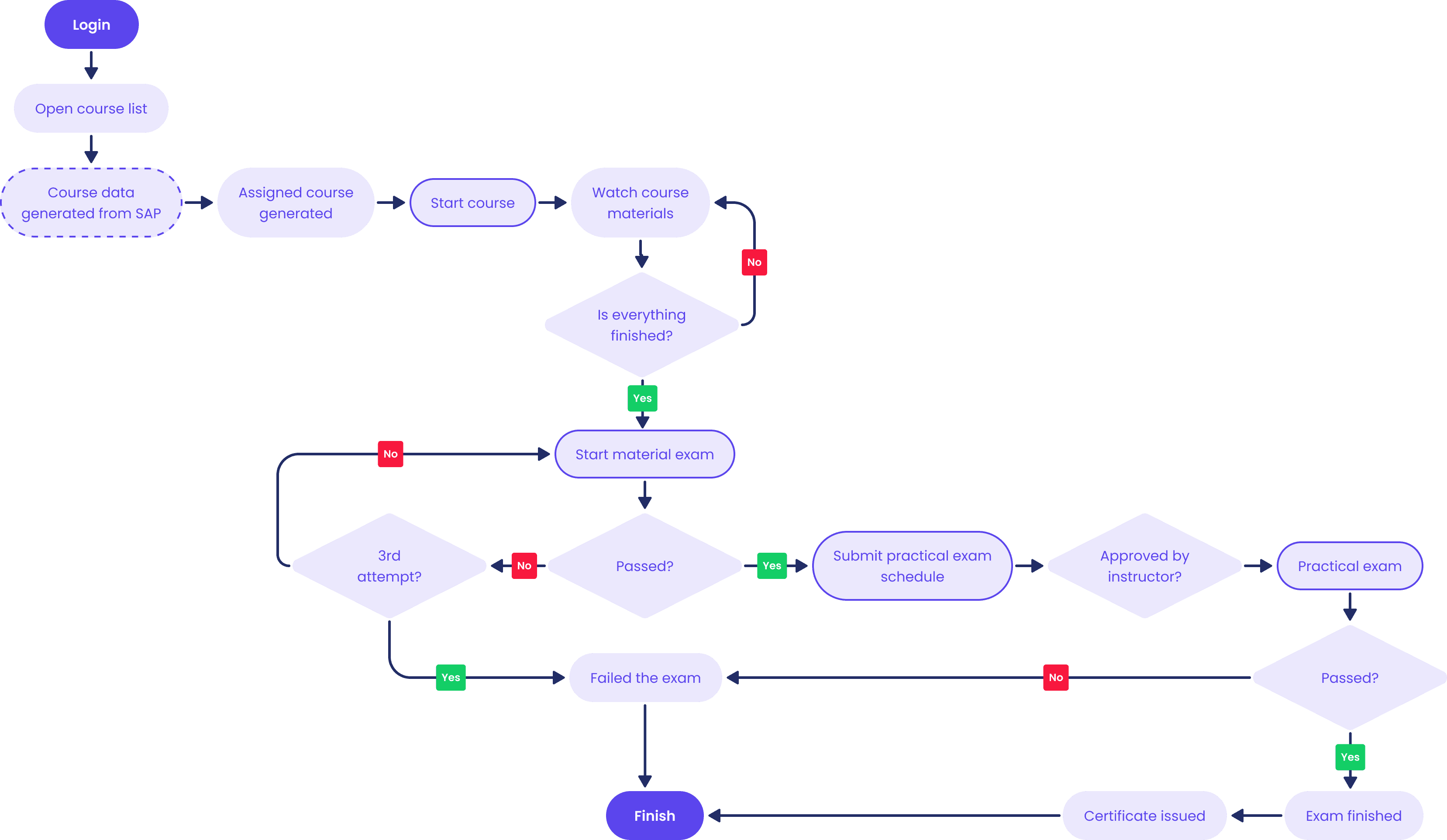
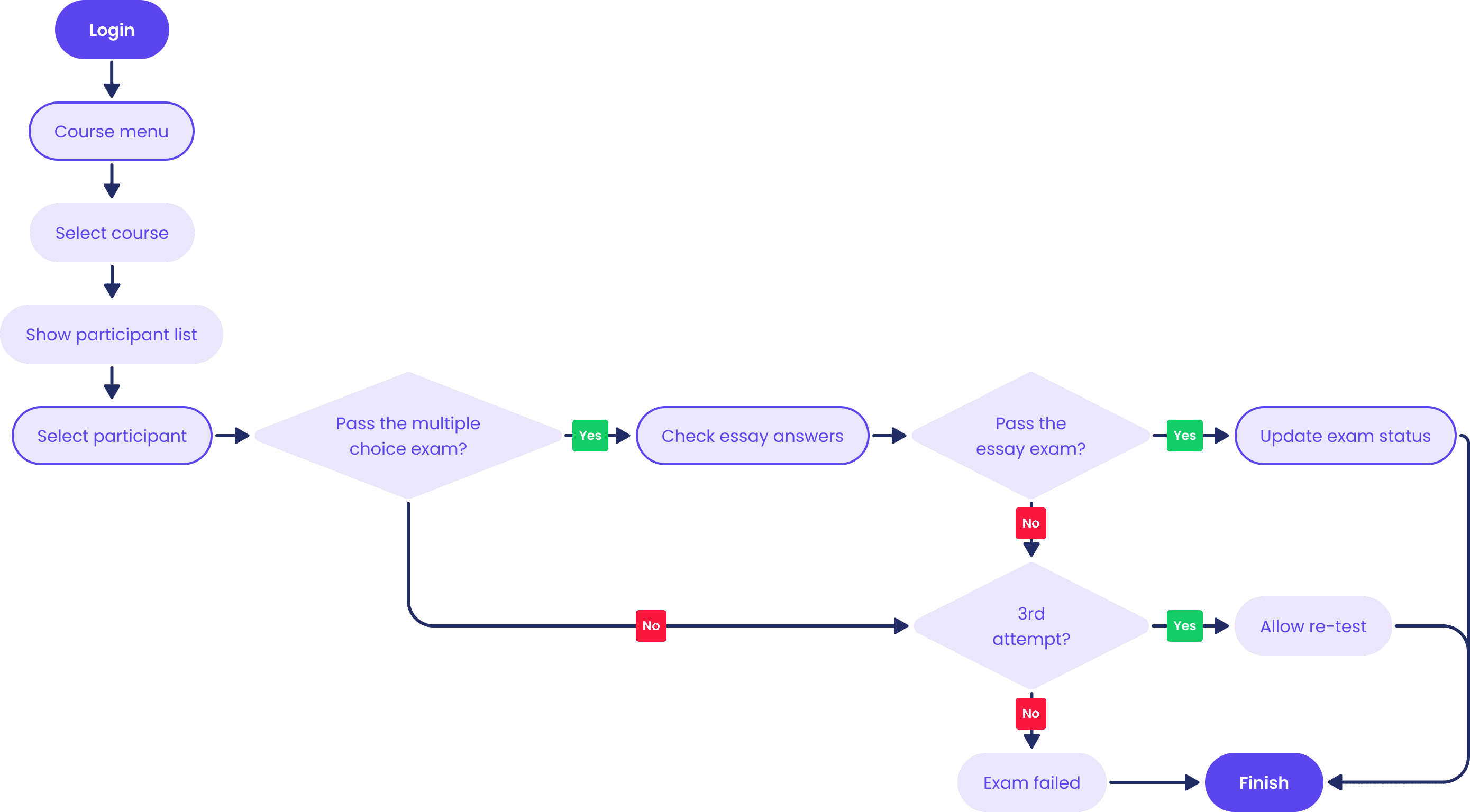
This flow explains the process from mechanic logging into SkillForge, selecting a course, taking the exam, scheduling a practical exam, to receiving the exam certificate.
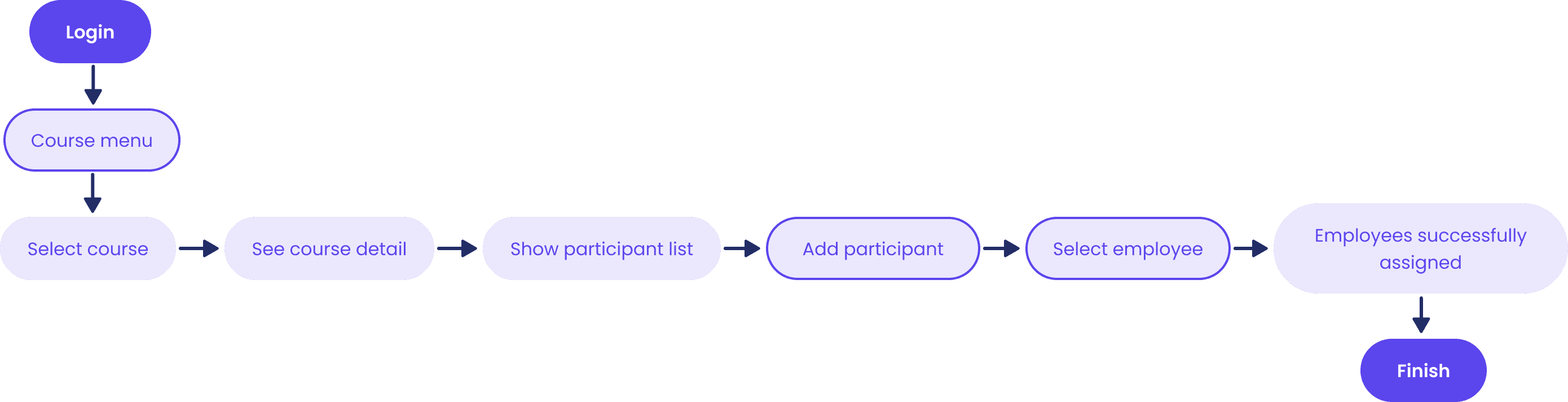
Supervisors can monitor what courses are available, then assign a team of mechanics in their area to join the course if they are not already registered.
After the mechanic completes the theory test, the system will automatically correct the multiple choice answers, but the instructor will assess the essay answers and determine whether the mechanic passes the theory test and is then allowed to take the practical test.

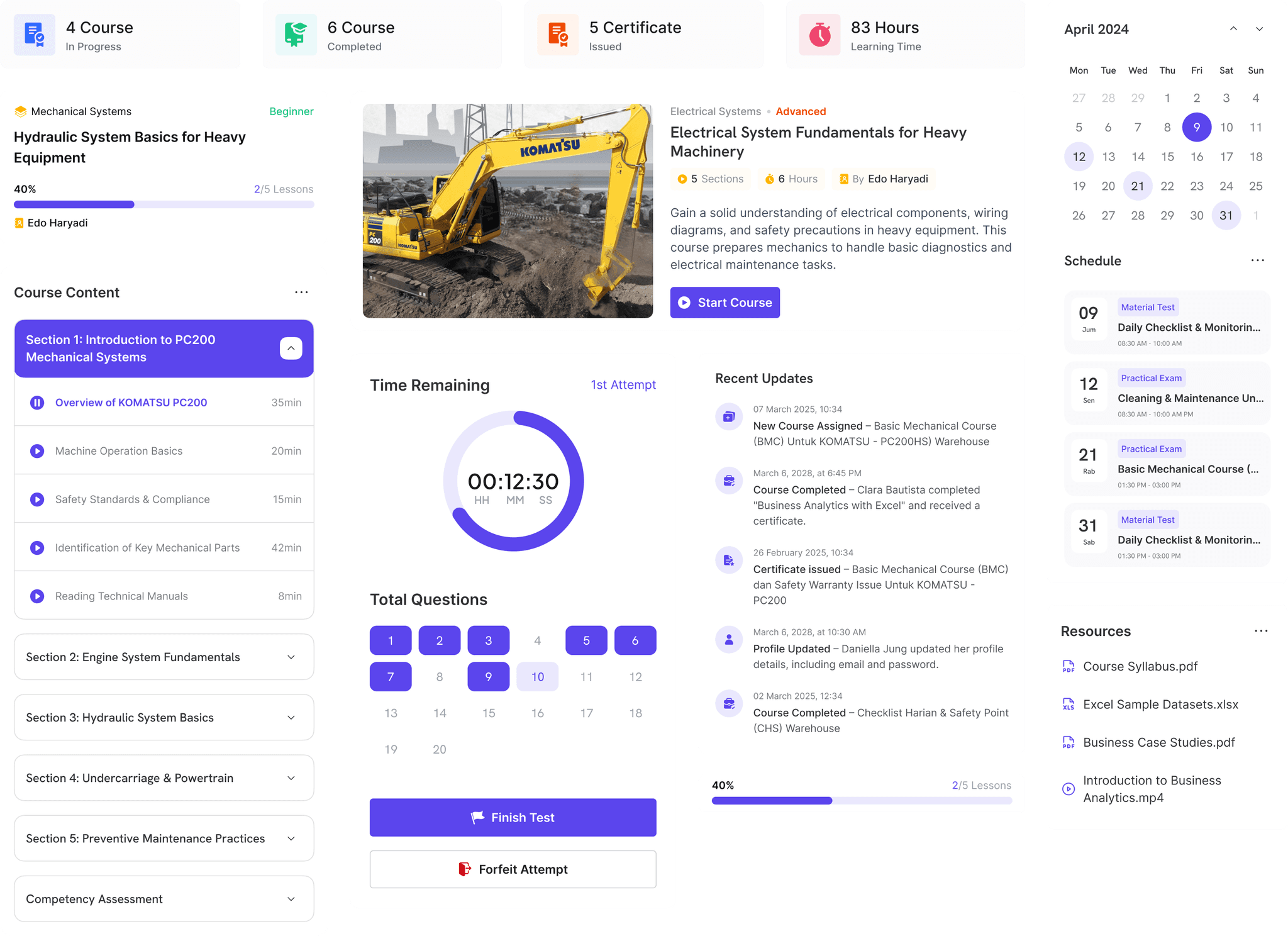
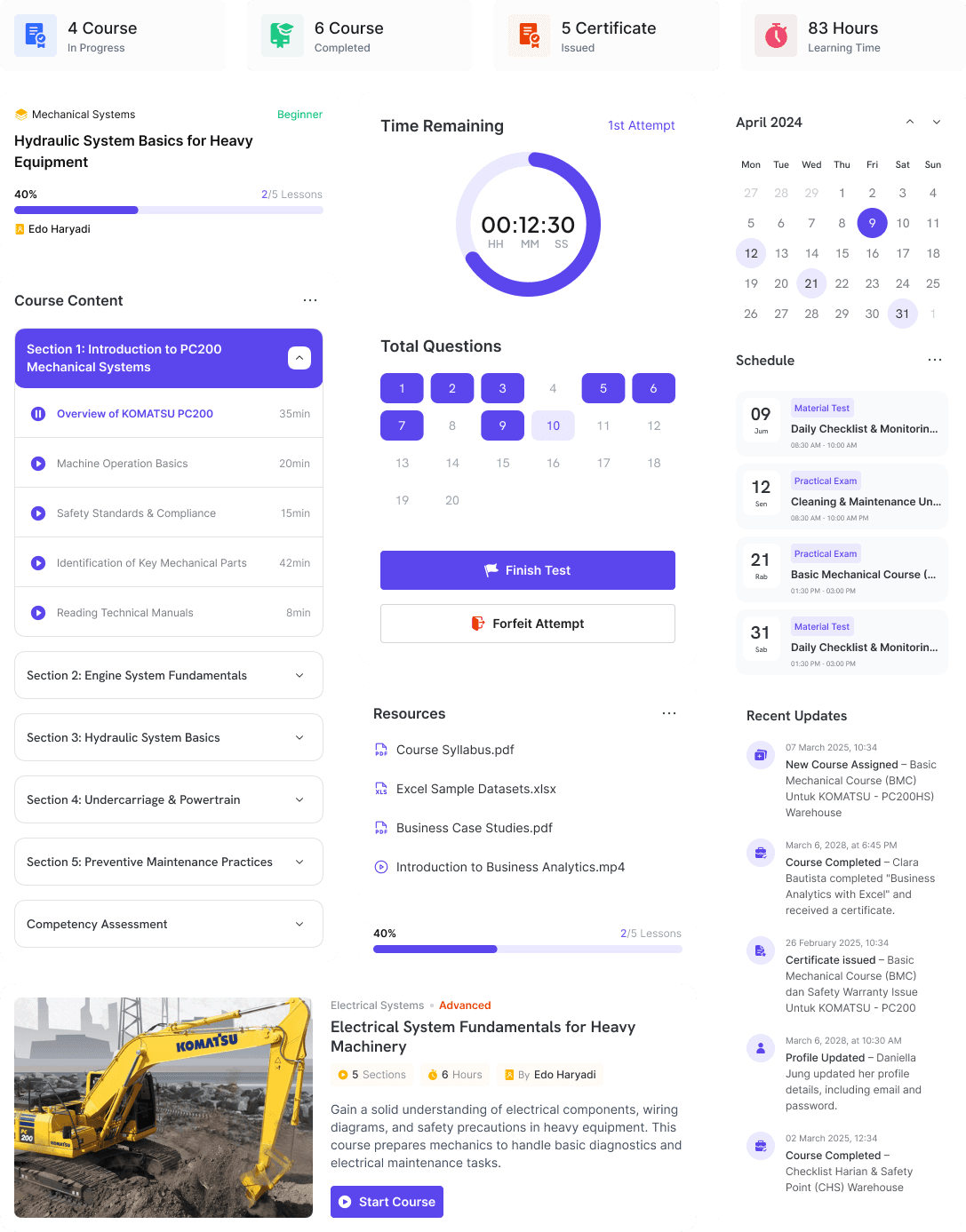
Inter.
#5B45ED
#5B45ED
#FFB300
Bold
16px, 18px, 24px
Semibold
14px, 16px, 18px, 24px
Medium
12px, 14px, 16px
Regular
12px, 14px, 16px
We chose Inter because it was designed for digital interfaces from the ground up. Its clean geometry and generous spacing make long reading sessions easier on the eyes, while its versatility across weights keeps the UI structured yet approachable.
ABCDEFGHIJKLMNOPQRSTUVWXYZ
abcdefghijklmnopqrstuvwxyz
0123456789 - !@#$%^&*()_+

Group 1 : Testing with the Frontline Users
Task List
User 1
User 2
User 3
User 4
User 5
Login & Select Course

View Course Details

Take Theory Exam
View Exam Result & Certificate
User Highlight
Smooth overall, no issues.
Minor confusion in theory test
Navigation flow can be smoother. |
Smooth overall, no issues.
Smooth overall, no issues. |
Task List
Positive (Smooth)
Neutral (Minor Struggle)
Negative (Failed/Big Struggle)
Usability Score
Login & Select Course
5/5
0/5
0/5
100
View Course Details
3/5
2/5
0/5
80 |
Take Theory Exam
4/5
1/5
0/5
90
View Exam Result & Certificate
5/5
0/5
0/5
100
Overall average usability score :
92.5
Notes & Insight
Overall usability performance is strong, with most tasks scoring above 90 and an average of 92.5, showing that the platform feels intuitive and easy to navigate.
The only area needing improvement is the course detail page, where two users hesitated, indicating a need for clearer hierarchy and better visual cues.